ChevyParts
My Garage
My Account
Cart
OEM 2003 Cadillac CTS Antenna
Radio Antenna- Select Vehicle by Model
- Select Vehicle by VIN
Select Vehicle by Model
orMake
Model
Year
Select Vehicle by VIN
For the most accurate results, select vehicle by your VIN (Vehicle Identification Number).
4 Antennas found
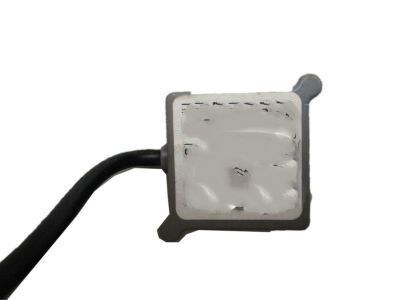
2003 Cadillac CTS Antenna Part Number: 25726417
$83.87 MSRP: $156.50You Save: $72.63 (47%)Ships in 1-2 Business DaysProduct Specifications- Other Name: Antenna Assembly-Navigation; Antenna, Vehicle Navigation/Information
- Item Weight: 0.60 Pounds
- Item Dimensions: 9.9 x 6.6 x 3.6 inches
- Condition: New
- Fitment Type: Direct Replacement
- SKU: 25726417
- Warranty: This genuine part is guaranteed by GM's factory warranty.
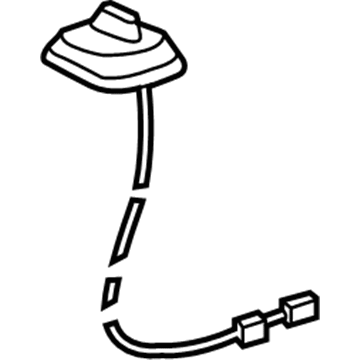
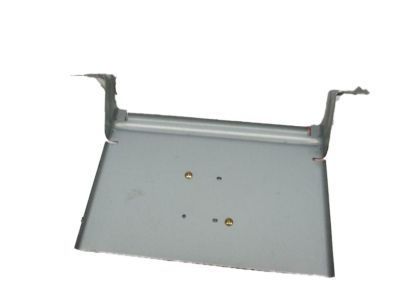
2003 Cadillac CTS Antenna Assembly Part Number: 25745960
$86.38 MSRP: $262.88You Save: $176.50 (68%)Ships in 1-2 Business DaysProduct Specifications- Other Name: Antenna; Antenna, Power Radio Antenna
- Item Weight: 0.80 Pounds
- Item Dimensions: 7.0 x 6.5 x 4.5 inches
- Condition: New
- Fitment Type: Direct Replacement
- SKU: 25745960
- Warranty: This genuine part is guaranteed by GM's factory warranty.
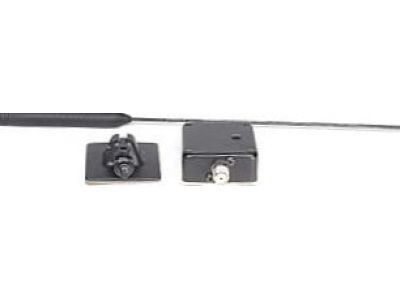

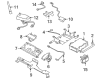
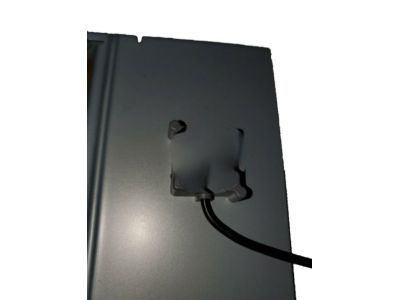
2003 Cadillac CTS Antenna Mast Part Number: 19117040
Product Specifications- Other Name: Antenna, Power Radio Antenna; Antenna Assembly; Antenna Assembly Coupling; Antenna, Fixed; Base; Antenna; Mast; Coupling
- Replaces: 12451015, 15053906, 19115800, 16228607, 25763682, 25739156, 88987306, 89046753, 89046901, 10308951, 89046752, 12451032, 12450807, 89047025, 16268371, 25728409, 25749553, 16258895
- Item Weight: 0.40 Pounds
- Item Dimensions: 15.0 x 4.6 x 4.5 inches
- Condition: New
- Fitment Type: Direct Replacement
- SKU: 19117040
- Warranty: This genuine part is guaranteed by GM's factory warranty.
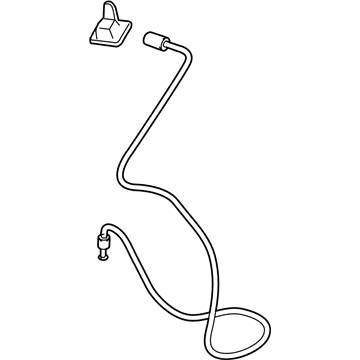
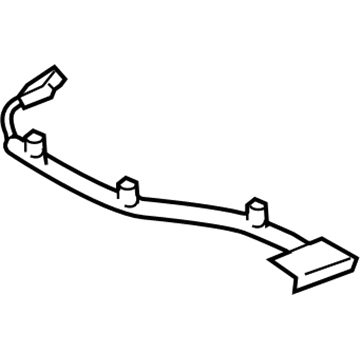
2003 Cadillac CTS Antenna Part Number: 25724827
Product Specifications- Other Name: Antenna, Vehicle Navigation/Information
- Item Weight: 0.40 Pounds
- Item Dimensions: 3.8 x 2.7 x 0.7 inches
- Condition: New
- Fitment Type: Direct Replacement
- SKU: 25724827
- Warranty: This genuine part is guaranteed by GM's factory warranty.
2003 Cadillac CTS Antenna
With a comprehensive array of OEM 2003 Cadillac CTS Antenna, from fuel pumps to door handles, our website is a one-stop-shop for your needs. All our genuine 2003 Cadillac CTS Antenna are backed by the manufacturer's warranty and are offered at competitive prices in the market. Rest assured, you can shop with complete confidence.
2003 Cadillac CTS Antenna Parts and Q&A
- Q: How to replace the digital radio antenna on 2003 Cadillac CTS?A: To replace your digital radio antenna, start by removing the sail rear panels while making sure that you do not paint or use clear coat on your XM band radio antenna as it may harm the functioning and can cause poor reception. Carefully take down the rear of the headliner but do not bend too much as it may cause damage. Pull out the foaming tape from the antenna cable connection and disconnect the digital radio antenna connectors. Next, pull off the expansion sleeve and the antenna bolt. Grab the retainer on antenna shaft near the base with a pair of pliers and squeeze; note that, if this retainer is broken or damaged, the anten will work fine and be able to be reused. Take down the digital radio antenna and place the new one secured onto the roof. Route the wire pigtails through the slot of antenna shaft and install the antenna expansion sleeve and bolt and torpoly the bolt to 6 N.m (53 lb in). Interconnect the antenna connectors and wrap with foam tape. Mount the antenna cable connection through the AM/FM antenna module and domestically attach the antenna cable hold down clips. Aligns the head liner with the roof panel and reinstalled rear sail panels.
Related 2003 Cadillac CTS Parts
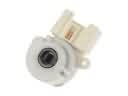 2003 Cadillac CTS Ignition Switch
 2003 Cadillac CTS Body Control Module
 2003 Cadillac CTS Fuse Box
 2003 Cadillac CTS Speedometer
 2003 Cadillac CTS Relay
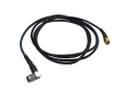 2003 Cadillac CTS Antenna Cable
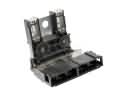 2003 Cadillac CTS Battery Fuse
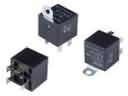 2003 Cadillac CTS Fuel Pump Relay
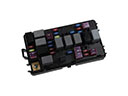 2003 Cadillac CTS Fuse
 2003 Cadillac CTS Headlight Relay
 2003 Cadillac CTS Instrument Cluster
 2003 Cadillac CTS Turn Signal Flasher